
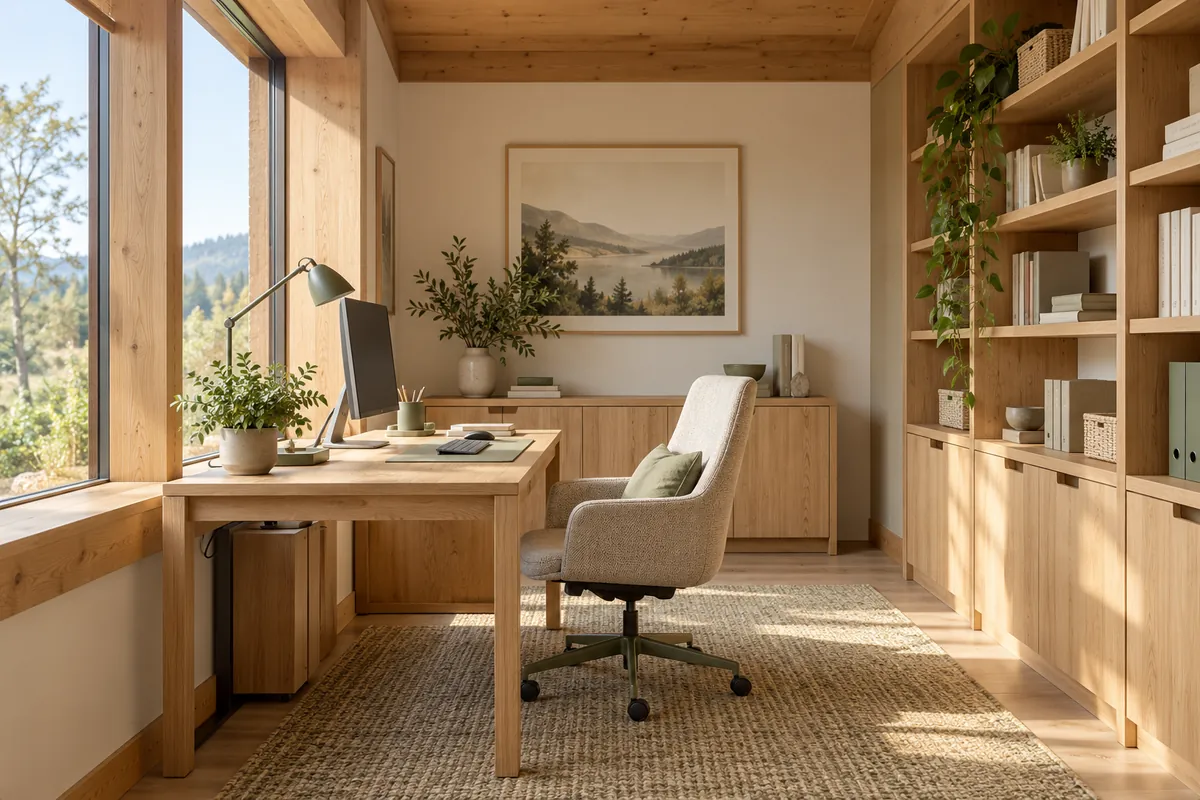
Start with your routine: do you work for an hour in the evening or all day? Do you make video calls? Does someone else work at the same time? The answers help determine whether a shared-room workspace is enough or a separate room is worthwhile.
Draw the workspace in use
Draw the desk, pulled-back chair and equipment at their actual sizes. Check the route past the seated person. Include documents, the printer and items that would otherwise end up on the floor.
If the room is also a guest room, test the arrangement with the bed open. Storage and access must work in both modes. Decide where equipment will temporarily go when visitors stay.
Light and connections
Discuss the screen's position relative to the window and options for shading. Provide task lighting rather than relying solely on a central fitting. Sockets and connections must remain accessible after furniture is installed.
Ask for a connectivity plan, particularly if the office is far from the router. If you need calls or concentration, consider acoustic separation from shared spaces before construction.
Planning checklist
- Can the chair pull back without blocking the door?
- Can screen reflections be controlled in the chosen position?
- Is there storage for documents and accessories?
- Can you take a call without stopping family activities?
- Could the room change use without major work?
Often forgotten: noise from next door and cables for a second monitor. List the actual equipment before positioning sockets.
A desk under a sloping roof: standing up matters too
In an attic room, check headroom above the seated person and where they stand up and move. Ask for a section showing the desk, chair and monitor. A worktop may fit under a slope without making the area suitable for a full working day.
Check window access without moving the screen and documents. Discuss shading, light on the monitor and comfort in hot periods with the designer. Do not rely on the lighting conditions from a single visit.
Everything that connects and everything that makes noise
List equipment: an extra monitor, printer, camera, chargers and any network devices. Provide space and cable access without filling the leg area. Coordinate power and data routes with specialists.
If someone else also works from home, simulate two simultaneous calls. Two desks in one room do not automatically provide good conditions for independent conversations.
Things forgotten after choosing the desk
- Somewhere for documents that should not remain visible.
- Space to open drawers with the chair in its working position.
- Background and lighting for video calls.
- Storage for accessories and rarely used equipment.
- The possibility of a different room use in future.
Where will the cables for your office equipment run? Check services against real equipment, not just a laptop on an empty desk.